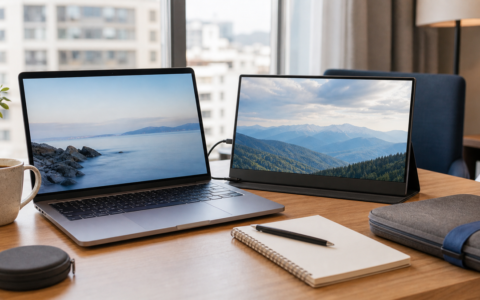
A portable monitor sounds simple until cables, power delivery, brightness, laptop compatibility, and stand design enter the decision.
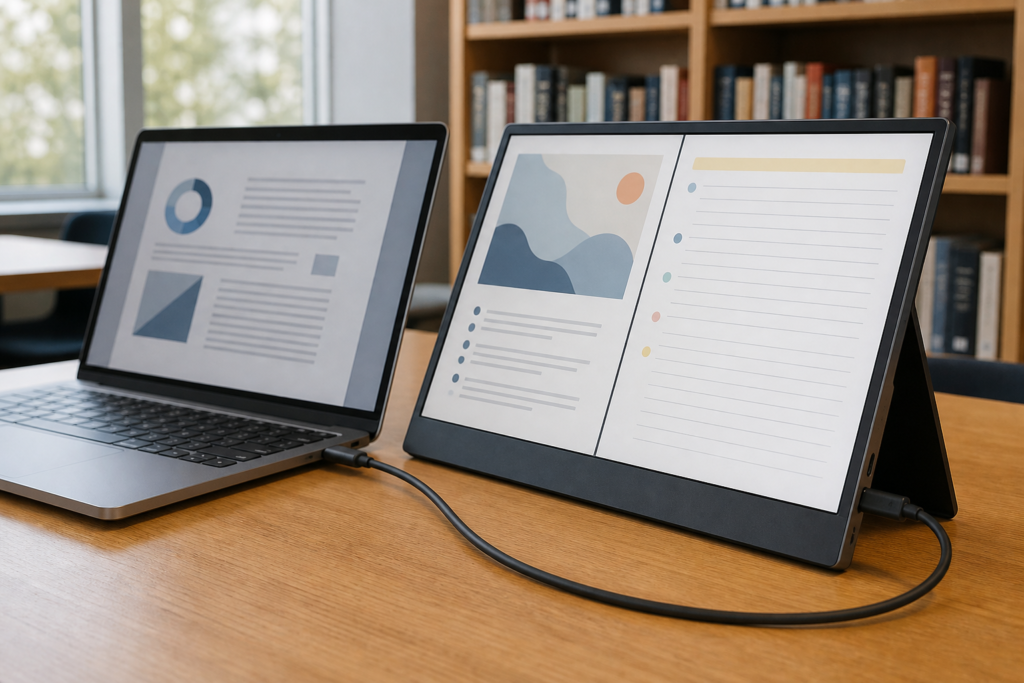
The ARZOPA Z1FC is built around an appealing specification for the price tier: a 16.1-inch 1920 x 1080 IPS display with a refresh rate up to 144Hz. ARZOPA also lists a built-in stand, dual speakers, two USB-C ports, mini HDMI, HDR10 support, 300-nit brightness, and a slim aluminum-alloy body.
That combination makes it interesting for students, travelers, hybrid workers, and console players who want more motion smoothness than a typical 60Hz portable display. But 144Hz does not guarantee a one-cable setup, strong HDR performance, or compatibility with every phone and laptop.
As an Amazon Associate, ACCGO may earn from qualifying purchases. Prices, coupons, sellers, accessories, model revisions, and availability can change at any time.
The ARZOPA Z1FC offers an unusually useful mix for students and travelers: a roomy 16.1-inch panel, 1080p resolution, and refresh rates up to 144Hz in a thin body. It can be a genuine productivity upgrade or an inexpensive portable gaming screen. The catch is compatibility. Its value drops sharply if your laptop cannot send video over USB-C or if your setup needs separate power and video cables every time.
Pros
- Large 16.1-inch portable panel
- Up to 144Hz for smoother motion
- Built-in stand and included cable selection
- USB-C and mini-HDMI inputs
Cons
- One-cable operation is device-dependent
- 1080p is less crisp than higher-resolution alternatives
- HDR10 support should not be confused with premium HDR performance
- No VESA mounting support listed by ARZOPA
144Hz: Useful, but Check the Entire Signal Path
ARZOPA lists a refresh rate up to 144Hz. That can make cursor movement, scrolling, and compatible games appear smoother than on a 60Hz display.
However, the monitor is only one part of the chain. Your source device, port, cable, resolution setting, and game must all support the desired refresh rate. A laptop may output video over one USB-C port but not another. A phone with USB-C may support charging and data without supporting DisplayPort video.
Before buying, check whether your device supports DisplayPort Alt Mode over USB-C. If it does not, the HDMI route may still work, but the monitor will usually need separate USB power.
Image Quality and HDR Expectations
The official specification lists a 1920 x 1080 IPS panel, 300 cd/m² brightness, a 1000:1 contrast ratio, 106% sRGB color gamut, and HDR10 support.
Those numbers are reasonable for general work, gaming, and media, but buyers should keep expectations realistic. On a portable monitor in this price class, HDR compatibility does not mean the high peak brightness and local dimming associated with premium desktop HDR displays.
The 1080p resolution is also a trade-off. It helps keep graphics demands manageable at 144Hz, but text will not look as dense as it would on a 1440p or 1600p portable screen of similar size. For spreadsheets, documents, and casual gaming, 1080p can still be the practical value choice.
Ports, Power, and Cable Setup
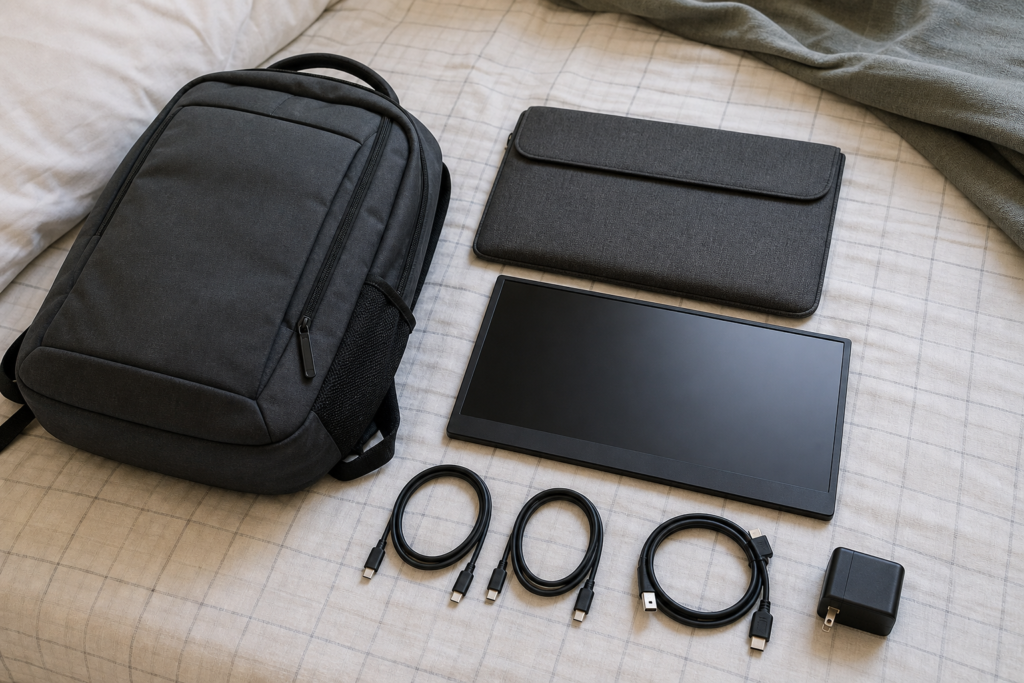
ARZOPA lists two USB-C ports and one mini-HDMI 2.0 input. The box is listed with two USB-C cables and an HDMI-to-mini-HDMI cable, though Amazon bundles can change.
Typical setups include:
- USB-C laptop: One cable may carry video and power if the laptop port supports video output and supplies enough power.
- HDMI laptop or desktop: Use HDMI for video and a separate USB connection for monitor power.
- Nintendo Switch or console: Expect to use the correct video cable and separate power; verify the exact setup for your console.
- Phone or tablet: Compatibility depends on whether the device supports wired video output.
This is the most important buying check. A portable monitor can be excellent and still feel inconvenient if the user expected one cable but the source device requires two.
Portability and Desk Use
ARZOPA lists the monitor at 9.3mm thick and 780g, with a protective sleeve included on its direct product page. That is portable, but it is still another 16-inch device in a backpack.
For daily campus travel, factor in the monitor, protective sleeve, cables, and possibly a charger. For occasional travel between home and office, the extra weight may be easy to justify. The larger panel is especially useful when the destination has no permanent monitor.
The built-in speakers are convenient for basic sound, but a laptop’s speakers or headphones may still provide a better experience. Treat the onboard audio as a useful backup rather than a reason to buy the display.
Best Uses for the ARZOPA Z1FC
The Z1FC makes the most sense for:
- Laptop users who want a temporary second screen
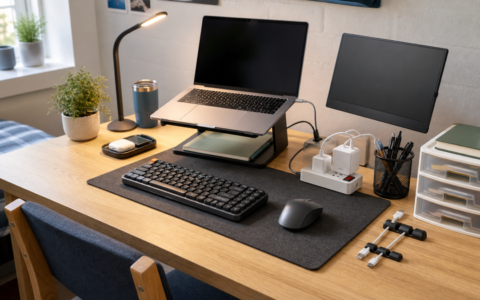
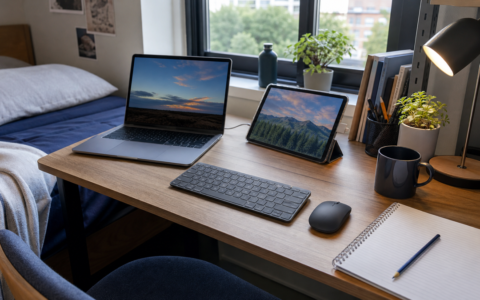
- Students working from dorms, libraries, and home
- Travelers who miss a dual-monitor setup
- Nintendo Switch and console users who want a packable display
- Budget gamers who can use 1080p at up to 144Hz
It is less compelling for:
- Professional color grading
- Bright outdoor use in direct sunlight
- Buyers who need touch input
- Devices without compatible wired video output
- Minimalists who do not want extra cables or power accessories
Should You Buy the ARZOPA Z1FC?
Buy the ARZOPA Z1FC if you want a relatively large portable monitor with smoother-than-basic refresh rates, a built-in stand, and flexible USB-C/HDMI connectivity. It is a sensible shortlist option for dorm desks, hybrid work, travel, and portable gaming.
Skip it if your priority is high-resolution text, professional HDR, touch support, or guaranteed single-cable use. Compatibility matters more than the headline specification, so verify your device’s video-output support before ordering.
FAQ
Is the ARZOPA Z1FC 144Hz?
ARZOPA lists the display at up to 144Hz. Your device, cable, port, and settings must also support that refresh rate.
Can it connect with one USB-C cable?
It may work with one cable when the source port supports DisplayPort Alt Mode and provides sufficient power. Other setups require separate video and power cables.
Does it have a battery?
The official specification describes a powered portable monitor, not a battery-powered tablet. Plan to draw power from a compatible device or external USB power source.
Is it good for a dorm desk?
Yes, especially when a permanent desktop monitor would take too much space. Measure the desk and leave room for the stand and cables.
By Kevin; Accgo doesn’t simply review products—we look at whether they genuinely make everyday life easier.