As an Amazon Associate, ACCGO may earn from qualifying purchases. Prices, coupons, sellers, colors, sizes, and availability can change at any time.
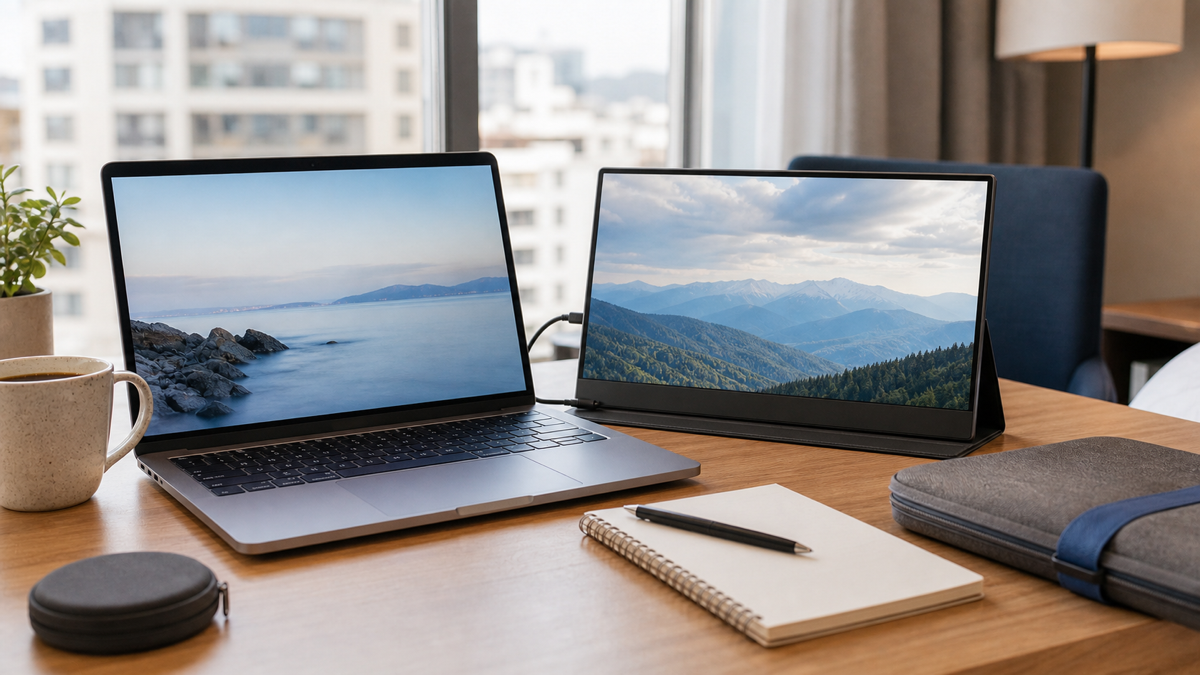
The best portable monitor on Amazon depends on what you connect it to. Choose an Arzopa-style 15.6-inch USB-C display for overall value, a KYY-style monitor for budget laptop work, a Lenovo ThinkVision-style display for business travel, an ASUS ROG-style portable monitor for gaming, an ASUS ZenScreen-style option for a polished name-brand setup, and a UPerfect-style monitor if you want more unusual sizes or wireless-style features.
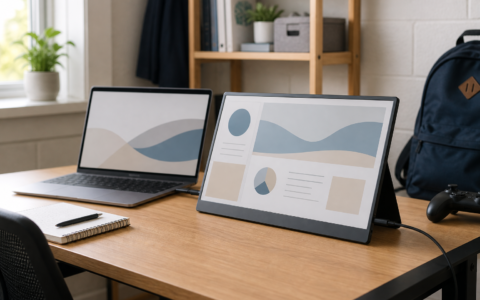
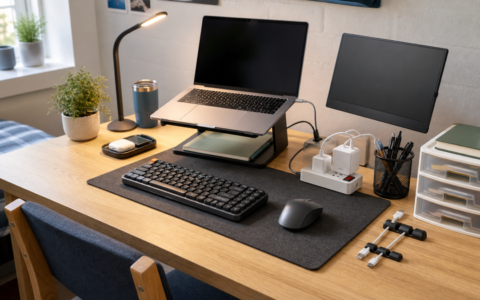
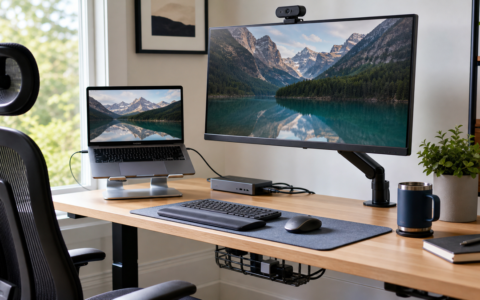
Portable monitors are most useful when they solve one clear problem: giving a laptop, handheld gaming device, dorm desk, hotel room, or small workspace a second screen without buying a full desktop monitor.
- Check ARZOPA portable monitor on Amazon
- Check KYY portable monitor on Amazon
- Check Lenovo ThinkVision portable monitor on Amazon
- Check ASUS ROG portable monitor on Amazon
- Check ASUS ZenScreen portable monitor on Amazon
- Check UPERFECT portable monitor on Amazon
Best Portable Monitors: Short Answer
| Pick type | Best for | Why it makes sense |
|---|---|---|
| Arzopa-style 15.6-inch monitor | Most laptop users | Strong value, simple USB-C setup, useful size |
| KYY-style portable monitor | Budget second screen | Affordable way to add workspace |
| Lenovo ThinkVision-style monitor | Business travel | More polished stand, build, and work-focused design |
| ASUS ROG-style portable monitor | Gaming | Higher refresh-rate options and gaming-first design |
| ASUS ZenScreen-style monitor | Name-brand work setup | Reliable mainstream pick for laptop owners |
| UPerfect-style portable monitor | Flexible setups | Wider range of sizes, features, and unusual formats |
How We Picked
Portable monitors are easy to misunderstand. A cheap 15.6-inch display can look like a bargain, but it may be frustrating if the stand is weak, brightness is low, or your laptop cannot power it over USB-C.
For this ACCGO list, we prioritized:
- Screen size and resolution
- USB-C video and power support
- HDMI or mini-HDMI support
- Brightness and matte vs glossy finish
- Stand quality and viewing angle
- Weight and travel case design
- Gaming refresh rate when relevant
- Compatibility with laptops, MacBooks, tablets, consoles, and handheld gaming devices
Best Overall Value: Arzopa-Style Portable Monitor
An Arzopa-style portable monitor is the best starting point for most Amazon shoppers because it targets the main portable-monitor need: an affordable 15.6-inch second screen for laptop work.
This type of monitor makes sense for emails, research, spreadsheets, video calls, coding, school work, and travel. It is not meant to replace a color-accurate desktop display, but it can make a laptop setup feel much less cramped.
Before buying, check the included cables carefully. A portable monitor is easiest when your laptop supports USB-C video and power through one cable. Some laptops need HDMI plus USB power.
Best Budget Pick: KYY-Style Portable Monitor
A KYY-style portable monitor is a practical budget pick if you want a second screen without spending much. This is best for students, hybrid workers, and shoppers who need more screen space but do not need premium color, high refresh rates, or a metal stand.
The key tradeoff is build quality. Budget portable monitors often rely on folio-style covers or kickstands. That can work fine on a desk but may feel less stable on a couch, bed, airplane tray, or coffee table.
Best for Business Travel: Lenovo ThinkVision-Style Portable Monitor
Business travelers should pay attention to the stand and cable setup. A Lenovo ThinkVision-style portable display is appealing because work-focused monitors often feel more stable and refined than ultra-cheap Amazon options.
This type is best for hotel desks, client work, spreadsheet review, remote meetings, and people who pack a monitor every week. If the monitor travels constantly, a better stand and case can matter more than saving a few dollars.
Best for Gaming: ASUS ROG-Style Portable Monitor
Portable gaming monitors are a separate category. If you connect a handheld gaming PC, console, or gaming laptop, refresh rate and response behavior matter more than they do for spreadsheets.
An ASUS ROG-style portable monitor is the better direction if gaming is the main reason you are buying. Check refresh rate, input support, power requirements, and whether the display can run at the promised performance with your device.
For casual laptop work, this type may be overkill. For gaming, a normal 60Hz budget monitor may feel limiting.
Best Name-Brand Work Pick: ASUS ZenScreen-Style Monitor
An ASUS ZenScreen-style monitor is a good middle ground if you want a portable display from a familiar monitor brand. It is best for shoppers who want a cleaner work setup and do not want to dig through dozens of similar budget listings.
Check whether the model includes the stand style you prefer. Some portable monitors use a cover stand, while others use a kickstand. That difference can affect daily comfort more than people expect.
Best Flexible Option: UPerfect-Style Portable Monitor
UPerfect-style monitors are worth comparing if you want something less standard: a larger portable display, touchscreen option, wireless-style setup, or a format that goes beyond the usual 15.6-inch second screen.
The tradeoff is that unusual features require more careful listing checks. Confirm compatibility, power needs, return terms, and whether your laptop or tablet supports the intended connection.
What to Check Before Buying
First, confirm your device output. Not every USB-C port sends video. If your laptop does not support USB-C display output, you may need HDMI plus separate power.
Second, check brightness. Portable monitors are often used in bright rooms, dorms, hotel rooms, and shared spaces. A dim screen can be annoying even if the price looks good.
Third, check the stand. A weak stand can make an otherwise decent monitor frustrating every day.
FAQ
What is the best portable monitor for most people?
For most laptop users, a 15.6-inch USB-C portable monitor with a stable stand and 1080p resolution is the best starting point.
Do portable monitors work with MacBook?
Many do, but you should confirm USB-C display support, power needs, and cable compatibility on the current listing before buying.
Is a portable monitor good for students?
Yes. A portable monitor can help with research, notes, video calls, coding, and writing when a dorm desk or apartment does not have space for a full monitor.
What should I check before buying on Amazon?
Check screen size, resolution, brightness, stand design, included cables, USB-C video support, HDMI support, seller, delivery date, and return terms.
Best portable monitor picks
Quick Amazon Shopping Links
Use these tracked Amazon U.S. links to check the current listing, seller, coupon, color, size, and availability before buying.
By Jessica Borga; Accgo doesn’t simply review products—we look at whether they genuinely make everyday life easier.