As an Amazon Associate, ACCGO may earn from qualifying purchases. Prices, coupons, sellers, colors, sizes, and availability can change at any time.

Top dorm desk deal checks
Quick Amazon Shopping Links
Use these tracked Amazon U.S. links to check the current listing, seller, coupon, color, size, and availability before buying.
The best Amazon dorm desk deals before you buy are not random cute accessories. The smartest buys are the small upgrades that fix daily friction: bad lighting, cramped typing, laptop neck strain, cable clutter, weak charging, and not enough screen space.
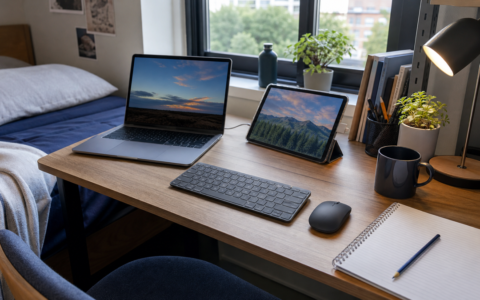
If you are building a dorm desk from scratch, start with a lamp, laptop stand, compact keyboard and mouse, USB-C charger or power strip, desk mat, cable organizer, portable monitor, and one small storage piece. Skip decorative extras until the desk actually works.
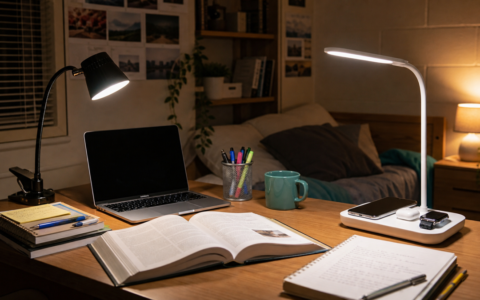
- Check LED desk lamp with wireless charging and pen holder on Amazon
- Logitech Pebble 2 Combo deals – check current Amazon listings
- Check BESIGN LS03 aluminum laptop stand on Amazon
- Check One Beat desk lamp power strip with USB-C on Amazon
- Check Hsurbtra PU leather desk pad on Amazon
- Check Lamicall cord organizer clips on Amazon
- Check KYY 15.6-inch portable monitor on Amazon
- Check WALI desktop file organizer on Amazon
For deeper ACCGO comparisons, read our Best Desk Lamps for Dorm Rooms on Amazon, Logitech Pebble 2 Combo review, Amazon Back-to-School Tech Deals, and Amazon Dorm Room Essentials Deals.
Top Dorm Desk Deal Checks
| Deal category | Buy first if | Key Amazon check |
|---|---|---|
| Desk lamp | Your desk lighting is weak | Dimming, color temperature, USB charging |
| Keyboard/mouse combo | Laptop typing feels cramped | Bluetooth, layout, battery type, return policy |
| Laptop stand | Your neck bends down all day | Height, stability, ventilation |
| USB-C charger | You charge several devices | Wattage, ports, cable included or not |
| Desk mat | Your desk surface feels rough | Size, material, mouse tracking |
| Cable organizer | Cords crowd the desk | Adhesive, clips, tray size |
| Portable monitor | You write with many tabs open | USB-C video support, brightness, stand |
| Desk storage | Small items pile up | Footprint, drawer depth, shelf clearance |
Quick Answer: What Should You Buy First?
Buy the item that fixes the most annoying daily problem. If your room is dim, buy a desk lamp first. If typing on a laptop feels bad, buy a keyboard and mouse. If your neck hurts, buy a stand. If your desk is visually chaotic, buy cable management and a mat before buying more gadgets.
The wrong order is buying mood lighting, decor, and novelty organizers before solving lighting, charging, posture, and cable clutter.
1. Dorm Desk Lamp Deals
A desk lamp is the first deal to check if the dorm lighting is harsh, dim, or badly placed. A lamp with dimming and adjustable color temperature is better than a single-brightness lamp because it can shift from homework to nighttime use.
If outlets are limited, choose a lamp with USB charging. If the desk is tiny, choose a clamp lamp. For specifics, compare our Best Desk Lamps for Dorm Rooms on Amazon before buying.
2. Compact Keyboard and Mouse Deals
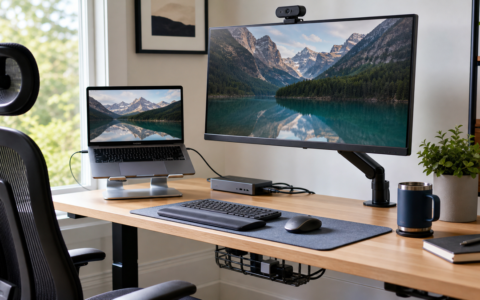
A compact keyboard and mouse can make a laptop setup feel much more comfortable, especially if you use a laptop stand or portable monitor.
The Logitech Pebble 2 Combo is one of the cleaner options to check because it is slim, quiet, and designed for multiple devices. Logitech's Pebble 2 setup guide is also worth checking if multi-device pairing is the reason you want it. Read our Logitech Pebble 2 Combo review before choosing it over a full-size keyboard.
3. Laptop Stand Deals
A laptop stand is a small purchase that can change a desk immediately. It raises the screen closer to eye level, frees space below the laptop, and helps make video calls look less awkward.
Check height, stability, foldability, and ventilation. If you buy a laptop stand, budget for a separate keyboard and mouse too. Otherwise, the raised laptop keyboard may be uncomfortable.
4. USB-C Charger and Power Strip Deals
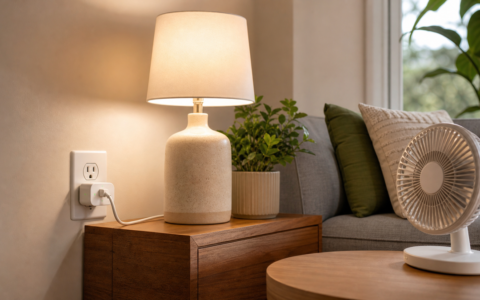
Charging is where many dorm desks get messy. A good USB-C charger can handle a phone, tablet, earbuds, and some laptops. A compact power strip can help if the desk area has too few outlets.
Before buying, check wattage, number of ports, plug shape, cable length, and whether the charger includes a cable. ENERGY STAR's LED lighting guidance is useful context when comparing lamp efficiency claims, while our Best USB-C Chargers on Amazon guide is the better place to compare charging power.
5. Desk Mat Deals
A desk mat looks simple, but it helps define the work area. It gives the mouse a smooth surface, protects the desk, and visually groups the keyboard, mouse, notebook, and laptop.
Do not buy the biggest mat automatically. Measure your desk first. A mat that fights the laptop stand, lamp base, or shelf riser will make the setup worse.
6. Cable Organizer Deals
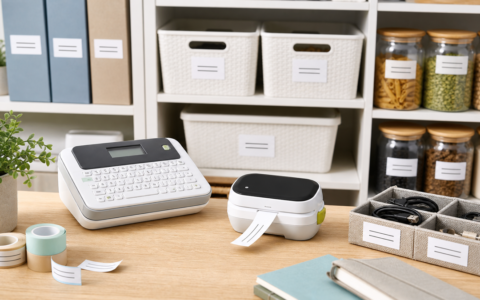
Cable organizers are boring until they save the desk. Look for adhesive clips, magnetic ties, cable sleeves, under-desk trays, and small boxes for extra charger cords.
The key is reversibility. Many dorm students should avoid permanent screw-mounted trays unless the room rules allow them. Adhesive clips and removable ties are safer.
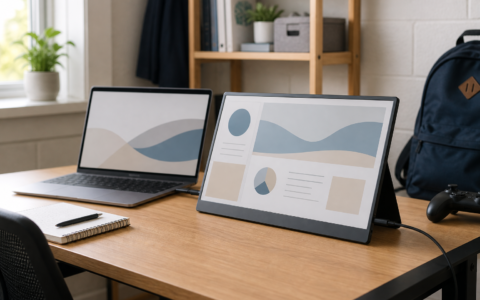
7. Portable Monitor Deals
A portable monitor is not essential, but it can be a high-impact upgrade for students who write papers, code, compare research tabs, edit slides, or run video calls beside notes.
Before buying, check whether your laptop supports USB-C video output. Some portable monitors need HDMI plus USB power, which creates more cables. Compare models in our Best Portable Monitors on Amazon guide.
8. Dorm Desk Storage Deals
Small storage can help if your desk collects pens, chargers, sticky notes, lip balm, earbuds, and keys. Look for compact drawers, monitor risers with shelves, rolling carts, or vertical organizers.
Skip anything too large. Dorm furniture is usually shallow, and a giant organizer can steal the surface area you were trying to save.
How to Avoid Bad Dorm Desk Deals
Start by measuring. Know your desk width, depth, outlet location, bed distance, and laptop size before clicking through deals.
Then check compatibility. A lamp clamp must fit the desk edge. A charger must deliver enough wattage. A portable monitor must work with your laptop. A keyboard layout must match your typing habits.
Finally, check the seller and return terms. Amazon deals move quickly, and similar listings can vary by model, color, included cable, warranty, and coupon.
When to Skip the Deal
Skip a dorm desk deal if it creates a new problem. A lamp that is too bright for a roommate, a power strip with a short cord, a laptop stand that wobbles, or a storage drawer that blocks leg room is not a deal.
Also skip duplicate categories. If you already have a strong charger, do not buy a second one just because it is discounted. Put that money toward lighting, posture, or cable control.
FAQ
What Amazon dorm desk deal should I buy first?
Start with the item that fixes the biggest daily problem: lighting, laptop height, typing comfort, charging, cable clutter, or storage.
Are keyboard and mouse combos worth it for dorms?
Yes, if you use a laptop stand, tablet, or portable monitor. A compact keyboard and mouse can make a small desk much more comfortable.
Do dorm desks need a portable monitor?
Not always. A portable monitor is worth it for research, coding, writing, spreadsheets, and multitasking, but it is not essential for every student.
Are desk lamps with USB ports worth buying?
They can be worth it when outlets are limited. Check charging speed, port type, and whether the ports work when the light is off.
What should I check before buying dorm desk accessories on Amazon?
Check dimensions, outlet needs, cable length, compatibility, seller, coupon terms, return policy, and whether the item solves a real desk problem.
By Christine; Accgo doesn’t simply review products—we look at whether they genuinely make everyday life easier.