As an Amazon Associate, ACCGO may earn from qualifying purchases. Prices, coupons, sellers, colors, sizes, and availability can change at any time.
Quick Verdict
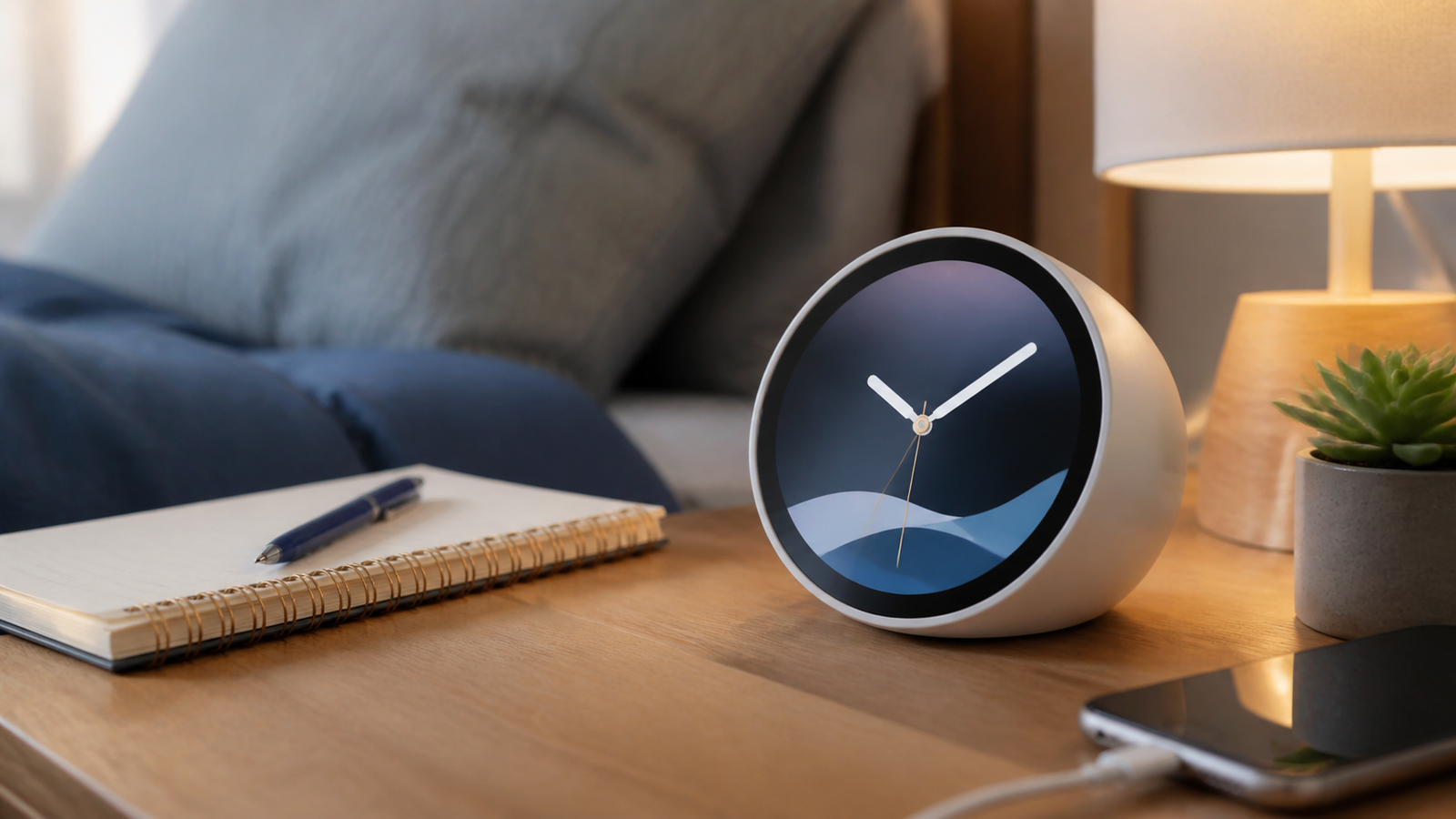
The Echo Spot makes the most sense if you want a compact Alexa alarm clock that looks better than a basic speaker and feels less distracting than a full smart display. It is at its best on a dorm nightstand, small bedroom shelf, desk corner, or guest room where you want alarms, weather, timers, music controls, and simple smart-home voice commands without putting a camera beside the bed.
I would not buy it as a main speaker, a video screen, or a serious smart-home dashboard. The small display is useful for glanceable information, but it is not trying to be an Echo Show. Think of it as a better-looking smart clock first and an Alexa speaker second.
Amazon link: Check Echo Spot on Amazon
If you are building a full dorm setup, pair this review with our best desk lamps for dorm rooms, Amazon dorm desk deals, and back-to-school tech deals guides.
The Short Answer
Buy the Echo Spot if you want a camera-free Alexa clock with a colorful display, simple alarms, music controls, weather, timers, and voice routines in a compact body.
Skip it if you mainly want room-filling sound, YouTube or video playback, a big touchscreen, or a smart display you can control mostly by tapping instead of talking.
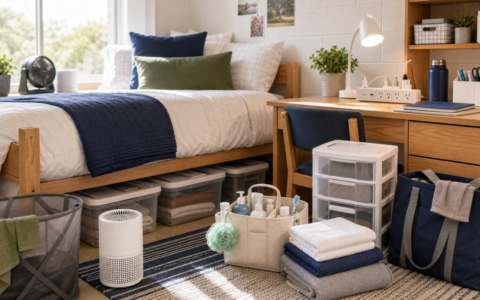
For a dorm room, the Echo Spot is appealing because it solves several small problems at once: alarm clock, bedside music, quick weather checks before class, timers, and voice control for smart plugs or lights. That combination is more useful than the spec sheet makes it sound.
Who Should Buy It
- Dorm students who want one small bedside device instead of a clock, speaker, and phone stand.
- Bedroom users who want Alexa but do not want a camera pointed at the bed.
- Light smart-home users who control lamps, plugs, fans, and routines mostly by voice.
- Anyone who likes seeing the time, alarm status, weather, and music info at a glance.
- Shoppers who want a cleaner nightstand than a full smart display.
Who Should Skip It
- Music-first shoppers who care about bass, stereo separation, and volume.
- People who want video calls, streaming video, or a display for recipes and camera feeds.
- Users who dislike voice assistants or prefer manual touchscreen control.
- Smart-home power users who want a large control panel.
- Buyers who only need an Alexa speaker and can live without a screen.
Echo Spot Specs That Actually Matter
| Feature | Why it matters in daily use |
|---|---|
| Compact color display | Shows time, alarms, weather, and music information without a large screen. |
| Camera-free design | Better fit for bedrooms, dorms, and guest rooms than camera-equipped displays. |
| Alexa voice control | Handles alarms, timers, music, weather, reminders, and compatible smart-home commands. |
| Small directional speaker | Good for bedside listening, podcasts, alarms, and background audio, not party-level sound. |
| Mic mute button | Helpful privacy control when you want the assistant off. |
| Bluetooth and Wi-Fi support | Lets it work as an Alexa speaker and connect within Amazon’s smart speaker ecosystem. |
The spec that matters most is not the screen size or speaker size by itself. It is the product shape: small enough to disappear into a nightstand routine, visual enough to beat a basic Echo Dot, and simple enough not to feel like a mini TV beside your pillow.
Design And Setup
The Echo Spot has a rounded, modern shape that looks more like a bedside clock than a smart-home gadget. That matters because dorm rooms and small bedrooms already get crowded fast. A laptop, water bottle, lamp, charger, notebook, and keys can eat up a nightstand before you add anything else.
Setup should be familiar if you already use Alexa. You plug it in, connect it through the Alexa app, choose your clock style, connect music services, and decide which smart-home devices or routines you want to control. The screen keeps setup less abstract than a speaker-only Echo because you can see status prompts instead of relying only on voice responses.
For move-in season, this is one of the more sensible tech upgrades because it does not require permanent installation. If your room already has a compact desk fan, coffee maker, lamp, or power strip, the Echo Spot can sit in the middle of that routine. Our Dreo TurboPoly Table Fan 307 review and Keurig K-Mini review cover two other common small-room products that solve very specific dorm problems.
Alarm Clock Performance
This is the main reason to buy it. The Echo Spot is easier to justify as an alarm clock than as a speaker because the display adds real value every morning.
You can glance at the time without touching your phone. You can see whether an alarm is set. You can ask for weather before getting dressed. You can start music, a podcast, or a routine without opening an app. For students, that reduces the odds of picking up the phone "just to check the time" and then losing ten minutes to notifications.
The best setup is a simple morning routine:
- Alarm goes off.
- A lamp or smart plug turns on.
- Weather and first calendar item are read aloud.
- Music or a podcast starts at low volume.
That routine is not unique to the Echo Spot, but the display makes it feel more natural. You can confirm the clock and alarm visually, then let Alexa handle the rest.
Display Quality
The screen is small, and that is both the point and the limitation.
It works well for time, weather icons, music controls, timers, and basic visual feedback. It does not work well as a true smart display. You should not expect it to replace an Echo Show, tablet, or phone screen.
In a dorm or bedroom, that restraint can be a feature. A bigger display can become another distraction. The Echo Spot gives you just enough information to be useful while staying closer to a clock than an entertainment device.
The display is especially useful for:
- Checking time from bed.
- Seeing whether an alarm is active.
- Reading a quick weather cue.
- Seeing song or playback status.
- Confirming timer countdowns.
It is less useful for:
- Browsing content.
- Reading long information.
- Smart-home dashboards.
- Video feeds.
- Shared-room viewing.
Sound Quality
The Echo Spot is fine for alarms, casual music, podcasts, audiobooks, and getting ready in the morning. It is not a speaker I would buy for sound quality alone.
The small body limits how much depth and volume it can produce. In a dorm room, office corner, or bedroom, that is usually acceptable. In a kitchen, living room, or party setting, it will feel small quickly.
The useful question is not "Does it sound amazing?" It is "Does it sound good enough for a bedside clock that also talks?" For most people using it within a few feet, yes. For serious music, no.
If your desk setup matters more than bedside audio, read our Logitech Pebble 2 Combo review and best portable monitors on Amazon guide before building the rest of your workspace.
Privacy And Bedroom Use
The camera-free design is one of the strongest reasons to choose the Echo Spot over a larger smart display for a bedroom. A mic is still a privacy consideration, but the absence of a camera makes it feel more appropriate for nightstands, dorm rooms, guest rooms, and kids’ rooms.
Use the mic mute control when you want the device silent. Also review your Alexa privacy settings in the app, especially if the device is going into a shared dorm or apartment.
For shared spaces, the best rule is simple: do not connect routines that could annoy a roommate. A soft alarm, weather report, and lamp routine are fine. Loud music, random announcements, or voice-controlled room lights at odd hours can get old fast.
Smart-Home Use
The Echo Spot works best with simple Alexa commands:
- Turn on the desk lamp.
- Start a study timer.
- Turn off the fan.
- Set an alarm for 7:30.
- Play rain sounds.
- Add laundry detergent to the shopping list.
It is less satisfying if you expect a tap-heavy control center. The screen can confirm certain actions, but the product still leans heavily on voice. That is fine for small-room routines. It is less ideal if you want to manage a whole house by touch.
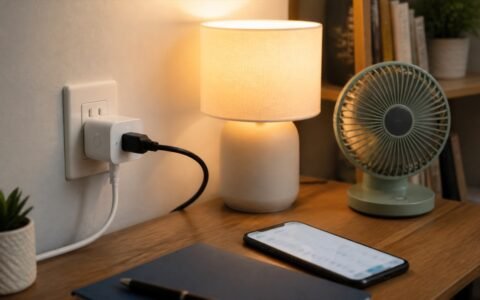
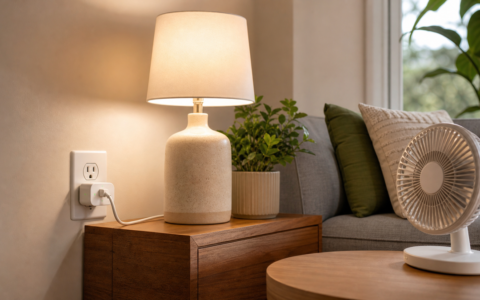
For a dorm, I would pair it with a smart plug, a compact lamp, and maybe a fan. That gives you the most useful routine without creating a complicated smart-home setup.
Dorm Room Use Case
The Echo Spot is a particularly good fit for dorm rooms because it solves tiny daily annoyances:
- You need an alarm that is not your phone.
- You want a clock visible from bed.
- You want weather before walking to class.
- You want background audio without a laptop open.
- You may want voice control for a desk lamp or fan.
- You probably do not want a camera-based smart display in a shared room.
It also keeps the footprint small. A nightstand or dorm shelf can feel crowded quickly, so a compact device with multiple functions earns its space more easily than a single-purpose gadget.
What To Check Before Buying On Amazon
Before you buy, check the exact Amazon listing, color, seller, return window, and whether any limited-time coupon or bundle applies. Prices on Amazon devices can swing during sales, so the best time to buy is usually when the product is meaningfully below its normal list price.
Use the current listing here: Check Echo Spot on Amazon.
I would be more cautious if it is sitting near full price and you only want a basic Alexa speaker. I would be more interested if it is discounted and you specifically want the clock display.
Final Recommendation
The Echo Spot is worth buying if you understand what it is: a compact, camera-free Alexa alarm clock with a useful little display. It is not a full smart display, not a serious speaker, and not a touchscreen control panel for your whole home.
For dorm rooms and bedrooms, that restraint is exactly why it works. It gives you time, alarms, weather, music, timers, and simple routines without turning your nightstand into another screen you want to scroll.
FAQ
Is the Echo Spot good for a dorm room?
Yes, the Echo Spot is a strong dorm-room pick if you want a compact clock, Alexa speaker, alarm, timer, and smart-plug controller without adding a camera-based display.
Can the Echo Spot play music?
Yes, it can play music and podcasts, but it is best for near-field listening. If sound quality is your main priority, buy a better speaker instead.
Does the Echo Spot have a camera?
No, the Echo Spot is designed without a camera, which makes it easier to recommend for bedrooms and dorm nightstands.
Is the Echo Spot better than an Echo Dot?
It is better if you want a visible clock and small display. If you only need Alexa voice control and audio, an Echo Dot or Echo Pop may be the better value.
Should I buy the Echo Spot at full price?
Only if you specifically want the clock display now. Amazon devices often see sale pricing, so it is smart to check the current listing before buying.
Quick Amazon Shopping Link
Use these tracked Amazon U.S. product links to check the current listing, seller, coupon, color, size, and availability before buying.
By Kevin; Accgo doesn’t simply review products—we look at whether they genuinely make everyday life easier.