As an Amazon Associate, ACCGO may earn from qualifying purchases. Prices, coupons, sellers, colors, sizes, and availability can change at any time.
Quick Amazon Shopping Link
Use these tracked Amazon U.S. links to check the current listing, seller, coupon, color, size, and availability before buying.
The Logitech Pebble 2 Combo is worth considering if you want a quiet, compact keyboard and mouse for a dorm desk, library table, tablet, or laptop setup. It is not the best choice if you need backlighting, a number pad, mechanical switches, gaming response, or a full-size ergonomic layout.
That is the short version. The real reason the Pebble 2 Combo keeps showing up in student and small-desk searches is simple: it solves the “my laptop desk feels cramped” problem without turning the setup into a full office.
For a fuller dorm setup, compare our Best Desk Lamps for Dorm Rooms on Amazon, Amazon Dorm Desk Deals, Best Portable Monitors on Amazon, and Best USB-C Chargers on Amazon.
Quick Verdict
Buy the Logitech Pebble 2 Combo if your top priorities are quiet typing, a compact footprint, multi-device Bluetooth, simple portability, and a more comfortable desk setup than a laptop keyboard alone.
Skip it if you write long papers in a dark room, need tactile mechanical feedback, want a numeric keypad, prefer an ergonomic shape, or plan to use the keyboard and mouse for gaming.
| Decision | Best answer |
|---|---|
| Best for | Students, tablet users, small desks, shared rooms, casual productivity |
| Main strength | Quiet, slim, easy to move, multi-device friendly |
| Main weakness | No keyboard backlight and no full-size layout |
| Better alternative | A full-size keyboard if you type numbers often; a backlit keyboard if you study at night |
| Amazon check | Confirm color, language layout, seller, return window, and whether the combo includes the exact K380s/M350s models |
What Is the Logitech Pebble 2 Combo?
The Pebble 2 Combo bundles the Pebble Keys 2 K380s keyboard with the Pebble Mouse 2 M350s. Logitech frames the set as a slim, minimalist, multi-device keyboard and mouse pair for personal workspaces, students, and portable setups.
The keyboard is the main reason to look at the combo. Logitech's Pebble Keys 2 K380s specification page lists a compact body around 279.5 mm wide, 124.2 mm deep, and 16.4 mm tall, with a scissor-style keyboard design and Bluetooth Low Energy support. That is much smaller than a traditional full-size keyboard, which matters when your desk also holds a laptop, notebook, water bottle, charger, and lamp.
The mouse side is also intentionally small. Logitech's Pebble Mouse 2 M350s support page lists a slim portable shape, Bluetooth Low Energy, Logi Bolt compatibility without an included receiver, a 400-4000 DPI range, and an AA battery setup.
The important buyer takeaway: this is a compact productivity combo, not a performance gaming combo.
Buy It If / Skip It If
| Buy it if | Skip it if |
|---|---|
| You want a cleaner dorm desk | You need a backlit keyboard |
| You type on a laptop, tablet, and phone | You want a number pad |
| You share a room and need quiet clicks | You prefer mechanical switches |
| You move between class, library, and room | You need wrist-rest support |
| You like simple Bluetooth switching | You need wired reliability for gaming |
Typing Feel: Better Than a Laptop, Not a Mechanical Upgrade
The Pebble Keys 2 K380s feels closer to a laptop keyboard than a mechanical keyboard. That is good if you like low-profile keys and quiet typing. It is less ideal if you want deeper travel, stronger tactile feedback, or a more sculpted desktop keyboard shape.
The round keys are the love-it-or-leave-it detail. Some shoppers like the softer, more playful design. Others may need a few days to adjust because the key shape feels less conventional than standard rectangular laptop keys.
For students, the bigger question is not whether the keyboard feels premium. It is whether it makes long notes, discussion posts, emails, and essay drafts feel easier than typing on a cramped laptop deck. For many small setups, it does.
Mouse Feel: Quiet, Slim, and Portable
The Pebble Mouse 2 M350s is designed for portability and quiet use. That makes it a good match for dorm rooms, libraries, shared study tables, and coffee-shop work. It is also easier to toss into a backpack pocket than a large ergonomic mouse.
The tradeoff is comfort. A slim mouse is convenient, but it may not be the best daily choice for larger hands or long editing sessions. If you use a mouse for hours at a time, a taller ergonomic model may be more comfortable.
For short bursts of school work, browsing, research, and email, the small size is a strength. For all-day desktop work, it may become the limitation.
Multi-Device Setup: The Real Student Advantage
The biggest practical reason to buy this combo is device switching. A student may use a laptop for assignments, an iPad for notes, and a phone for messages. Logitech's Pebble 2 setup guide shows how the keyboard and mouse are intended to pair and switch between devices, which is the feature that makes the combo feel more useful than a basic wired set.
This is especially useful if you already use a portable monitor. A laptop plus second screen plus separate keyboard is a major comfort upgrade on a small desk. If that sounds like your setup, read our Best Portable Monitors on Amazon before buying a monitor at random.
The one caution: Bluetooth is not the same as a simple plug-and-play USB receiver. If your school laptop has Bluetooth restrictions, older operating software, or managed device settings, check compatibility first.
Battery and Charging: Convenient, But Not Rechargeable
The Pebble 2 setup uses replaceable batteries rather than USB-C charging. That is either a benefit or a drawback depending on how you shop.
It is a benefit if you like long battery life and do not want another device to charge every week. It is a drawback if you prefer everything on your desk to use USB-C.
For a dorm setup, the simple fix is to keep spare batteries in a desk drawer. If you are already building a charging station for your laptop, phone, earbuds, lamp, and tablet, compare our Amazon Dorm Desk Deals before adding more accessories.
Dorm Desk Fit
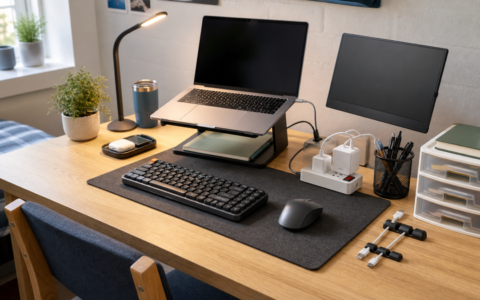
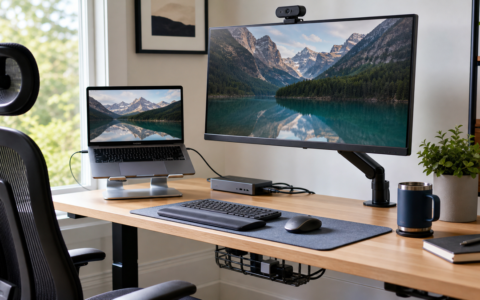
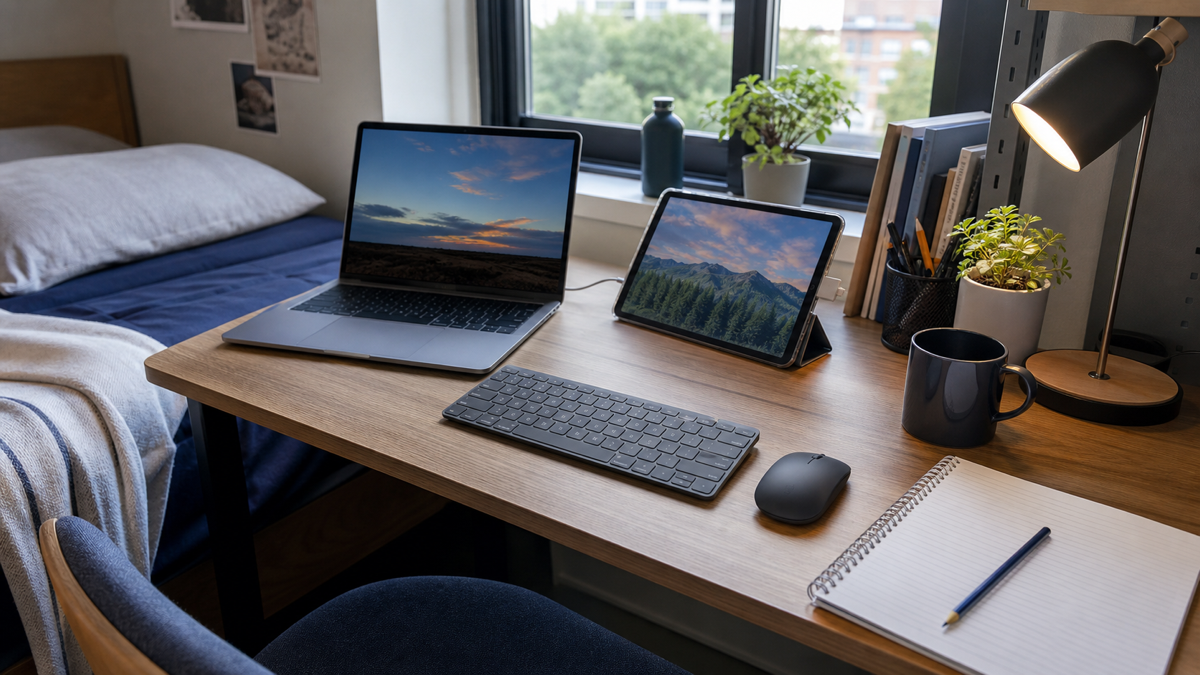
The Pebble 2 Combo makes the most sense when space is limited. On a small desk, a full keyboard can crowd out books, notebooks, snacks, and a lamp. The K380s takes up less room while still giving you a real typing surface.
It also helps keep a laptop stand setup usable. When your laptop is raised to eye level, the built-in keyboard becomes awkward. A separate keyboard and mouse are the pieces that make the stand actually work.
That is why this combo pairs well with our Best Desk Lamps for Dorm Rooms on Amazon guide. A small desk works best when each item earns its space.
What to Check on Amazon
Before buying, check the exact bundle name. Amazon listings can mix older K380, newer K380s, Pebble Mouse variants, Mac-specific versions, and different colorways.
Also check whether the listing is sold by Amazon, Logitech, or another seller. Confirm the return window, included items, keyboard language layout, color, and whether the product page mentions Logi Bolt receiver support or inclusion. The Pebble 2 devices can be compatible with Logi Bolt, but you should not assume a receiver is included unless the exact listing says so.
Finally, check price against buying the keyboard and mouse separately. Sometimes the combo is the better buy; sometimes a sale on one separate device changes the math.
Final Verdict
The Logitech Pebble 2 Combo is a smart dorm desk buy if you want a quiet, cute, compact keyboard and mouse that can move between devices. It is especially appealing for students who use a laptop stand, tablet, portable monitor, or small shared desk.
It is not the right buy for everyone. If you need a keyboard backlight, full-size layout, deeper key travel, or gaming-grade input, choose something else.
For most students, though, this is a practical upgrade: small enough to keep the desk clean, quiet enough for shared spaces, and useful enough to justify the space it takes.
FAQ
Is the Logitech Pebble 2 Combo good for students?
Yes. It is a good student keyboard and mouse combo if you want quiet typing, a compact desk footprint, and Bluetooth support for laptop or tablet work.
Does the Logitech Pebble 2 Combo have a backlit keyboard?
No. The Pebble Keys 2 K380s is not the right choice if you need backlighting for dark dorm rooms or late-night typing.
Is the Pebble Keys 2 K380s good for long typing?
It can be good for notes, emails, and essays if you like laptop-style keys. If you prefer deeper key travel or a full-size keyboard, it may feel too compact.
Does the Pebble Mouse 2 M350s work for gaming?
It is better for productivity than gaming. Choose a gaming mouse if you need faster response, extra buttons, or a more performance-focused shape.
What should I check before buying on Amazon?
Check the exact model, color, keyboard layout, seller, return policy, included accessories, and whether the combo costs less than buying the keyboard and mouse separately.
By Kevin; Accgo doesn’t simply review products—we look at whether they genuinely make everyday life easier.