As an Amazon Associate, ACCGO may earn from qualifying purchases. Prices, coupons, sellers, variations, and availability can change at any time.
Quick answer: The Blink Battery Doorbell 2K+ is a strong budget choice for Alexa households that want sharper 2K video, a head-to-toe view, and battery or wired installation. Its low entry price is appealing, but cloud history and the most convenient smart features can make the subscription or a Sync Module part of the real ownership cost.
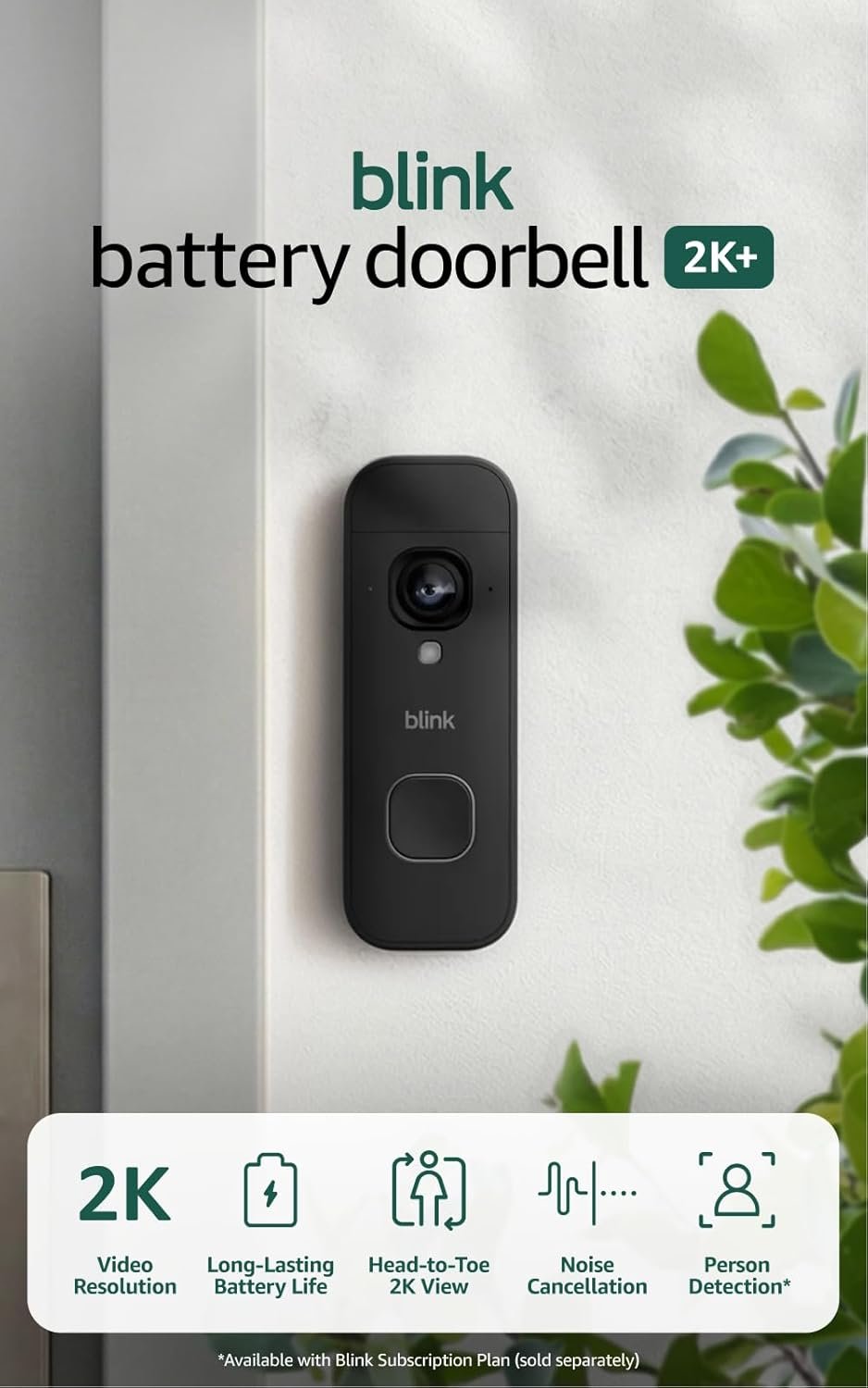
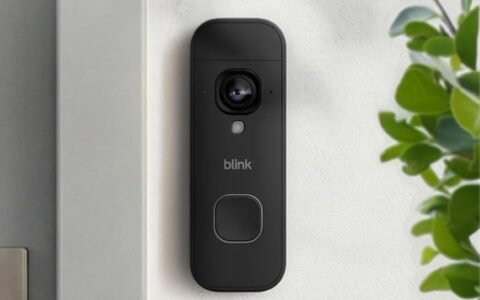
Blink Battery Doorbell 2K+ with Sync Module Core
Blink 2K+ doorbell bundle; verify the included module and current storage terms.
Check current price on AmazonACCGO verdict
Blink’s new 2K+ model fixes two common weaknesses of inexpensive doorbells: limited detail and a view that can miss packages near the threshold. It is easy to recommend when purchase price, flexible installation, and Alexa compatibility matter more than a broad smart-home ecosystem. The better question is not whether the camera is inexpensive; it is whether the storage plan you want keeps the total cost inexpensive.
This is a research-based buying analysis, not a claim of long-term hands-on testing. Amazon’s launch materials confirm 2K video, head-to-toe viewing, improved dynamic range, and subscription-dependent AI features. Battery life remains highly dependent on motion traffic, temperature, recording settings, live-view use, and Wi-Fi quality.
Amazon’s official Blink 2K doorbell announcement is the primary source for the new-generation feature claims in this analysis.
Key specifications
| Feature | What to know |
|---|---|
| Video | 2K-class capture with improved detail over earlier Blink doorbells |
| View | Head-to-toe framing designed to show visitors and parcels near the door |
| Installation | Battery powered, with wiring options that may support an existing chime depending on setup |
| Storage | Cloud features through a Blink Subscription Plan; compatible Sync Module options can change the local-storage workflow |
| Smart home | Best fit for Alexa households |
| Smart alerts | Some advanced detection and AI descriptions require an eligible subscription and supported region/device |
| Main trade-off | Low hardware price can be offset by storage accessories or recurring service costs |
What the 2K+ upgrade changes
Resolution alone does not guarantee a useful clip. Lens placement, light, compression, Wi-Fi reliability, and motion timing all affect whether you can identify a face or read a package label. Even so, moving to 2K gives the system more image information than a basic HD feed. That extra detail is most useful when a visitor stands farther from the lens or you need to crop a recorded frame.
Blink also emphasizes improved dynamic range. A porch often contains a difficult mix of dark shade and bright sky, so better highlight and shadow handling can matter more than a headline resolution number. Do not expect night footage to look like daytime; infrared images still lose color and fine detail.
Head-to-toe view and package visibility
A conventional landscape doorbell can show a visitor’s face while cutting off the doorstep. The 2K+ model’s taller view is intended to keep both areas in frame. That helps when you want one camera to cover conversations, deliveries, and someone approaching the threshold.
Placement still matters. Mounting too high, too low, or at an angle can waste the taller frame. Before drilling, hold the doorbell at the proposed position and use live view to check the top of a visitor’s head, the doormat, the package drop zone, and bright backlighting. If the porch geometry is awkward, a wedge or corner mount may be more valuable than another jump in resolution.
Battery life: treat the estimate as a scenario
Manufacturer battery estimates are based on specific settings and usage assumptions. A quiet side entrance with short clips can last far longer than a front door facing a sidewalk. Frequent motion, repeated live-view sessions, cold weather, weak Wi-Fi, long recording durations, and high retrigger sensitivity all increase power use.
Plan for battery replacement access before installation. A doorbell that is easy to remove and reinstall is less frustrating than one mounted where every battery change requires a ladder or delicate trim work. If compatible wiring is available, compare the installation guide carefully; wiring behavior, existing chime support, and power requirements should be verified for the exact model.
Sync Module, cloud history, and local storage
The lowest shelf price is not always the lowest-cost configuration. Start by deciding what happens after an alert. If you only need a live notification and occasional live view, the base setup may be enough. If you need saved clips, longer history, or easier review after an event, storage becomes central.
A Blink Subscription Plan provides cloud-oriented features and can enable more convenient detection tools. A compatible Sync Module can support a different storage path, but buyers should verify which module is included in the selected Amazon variation, whether a separate USB drive is required, and which features still depend on a plan. The bundle checked for this article includes a Sync Module Core; bundle contents can change.
Important: The included Sync Module Core does not support local storage or clip backup. Blink confirms this in its Sync Module Core FAQ. Do not buy this bundle expecting to plug in a USB drive; investigate a separately compatible storage-capable module before choosing a no-cloud setup.
Subscription and AI trade-offs
Blink promotes person and vehicle awareness plus AI-generated descriptions on supported 2K+ devices. These are convenience features, not guarantees of identity or safety. They can reduce the time spent opening unimportant clips, but advanced alerts generally belong in the subscription decision.
Compare at least one year of service cost with the price of a competing doorbell that offers the local-storage workflow you prefer. A cheaper device with a plan may cost more over several years than a higher-priced device using microSD or a local hub. Conversely, cloud review can be worth paying for if it makes clips easy to retrieve and share.
Alexa integration
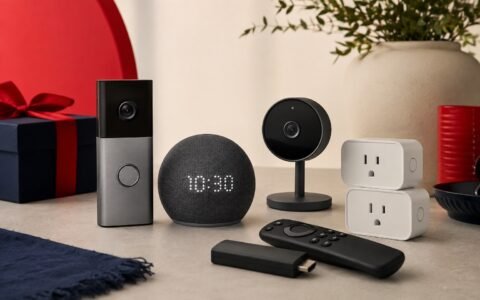
Alexa is the strongest ecosystem reason to choose Blink. Compatible Echo devices can announce doorbell activity, while an Echo Show can provide a screen for supported views and conversations. Our Echo Spot review explains why a compact Alexa display is better for glanceable alerts than for detailed security monitoring.
If your home is centered on Google Home or Apple Home, compare native compatibility before buying. Workarounds are rarely as reliable as choosing a doorbell designed for the ecosystem already in the house.
Blink Battery Doorbell 2K+ vs Ring Battery Doorbell 2K
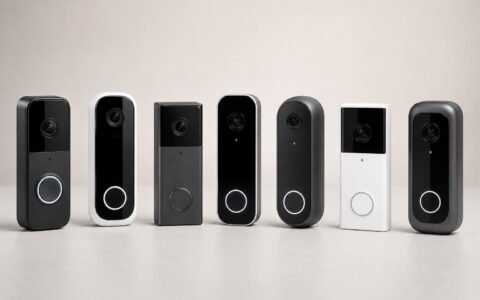
Blink usually leads with a lower upfront cost and simple Alexa-centric setup. Ring offers a broader doorbell lineup and a more developed security ecosystem, but its most useful recording and detection experience can also involve a subscription. The right choice depends on the devices already installed, the desired storage model, and whether you plan to expand into cameras, lights, or an alarm system.
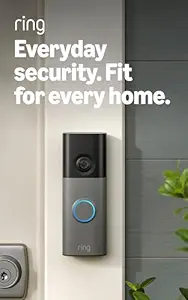
Ring Battery Doorbell 2K
Ring Battery Doorbell 2K; check the current plan features and selected color.
Check current price on AmazonChoose Blink when budget and a straightforward doorbell are the priorities. Choose Ring when you value a larger family of compatible entry-security products and prefer its app workflow. For a wider comparison, see our best video doorbells on Amazon.
Pros and cons
Pros
- Sharper 2K-class video than earlier entry-level Blink doorbells.
- Tall head-to-toe framing is useful for visitors and packages.
- Battery installation suits homes without suitable doorbell wiring.
- Strong fit with Alexa announcements and displays.
- Low hardware price compared with many premium doorbells.
Cons
- Saved history and advanced alerts can make a subscription important.
- Local-storage details depend on the exact Sync Module and accessories.
- Battery longevity varies substantially with traffic and settings.
- Google Home and Apple Home households have more natural alternatives.
Who should buy it?
Buy the Blink Battery Doorbell 2K+ if you already use Alexa, need battery installation, want a tall package-friendly view, and are comfortable choosing between cloud service and a Sync Module workflow. It is especially sensible for apartments or secondary entrances where a premium doorbell would be excessive.
Skip it if you require native Apple Home integration, continuous recording, or subscription-free storage with the least possible setup complexity. A camera inside the entry can complement a doorbell; our Tapo C120 review covers an inexpensive local-storage option for indoor monitoring. For the rest of the entry, compare the best smart locks on Amazon.
What to verify before checkout
- Confirm the exact 2K+ model and whether the selected variation includes a Sync Module.
- Check battery type, estimated delivery date, seller, return eligibility, and any coupon conditions.
- Verify existing chime and wiring compatibility against the current installation guide.
- Compare Blink plan features and current pricing with the local-storage path you intend to use.
- Measure the mounting area and confirm that a wedge or corner mount is available if needed.
Related ACCGO guides
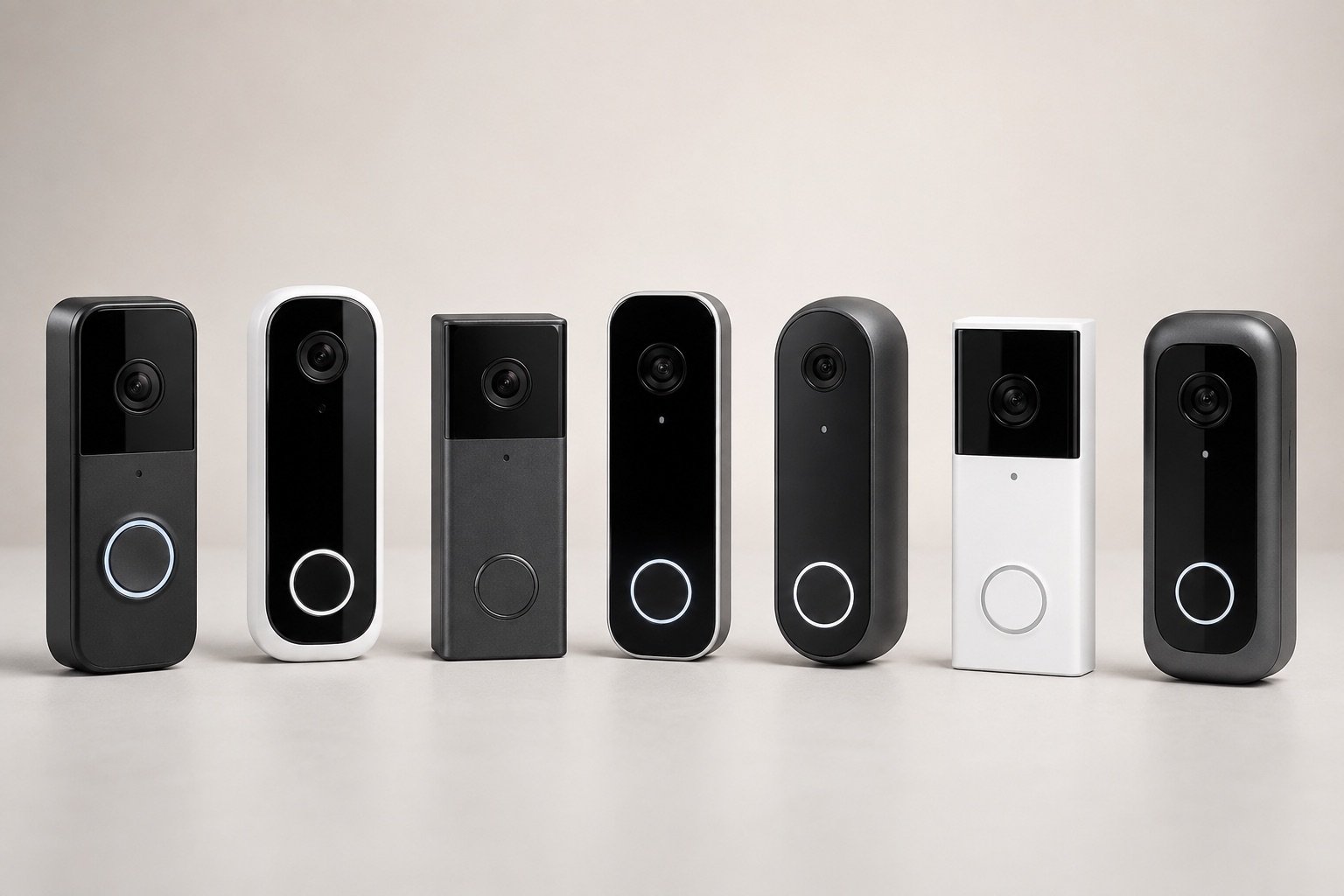 Best Video Doorbells on Amazon 2026
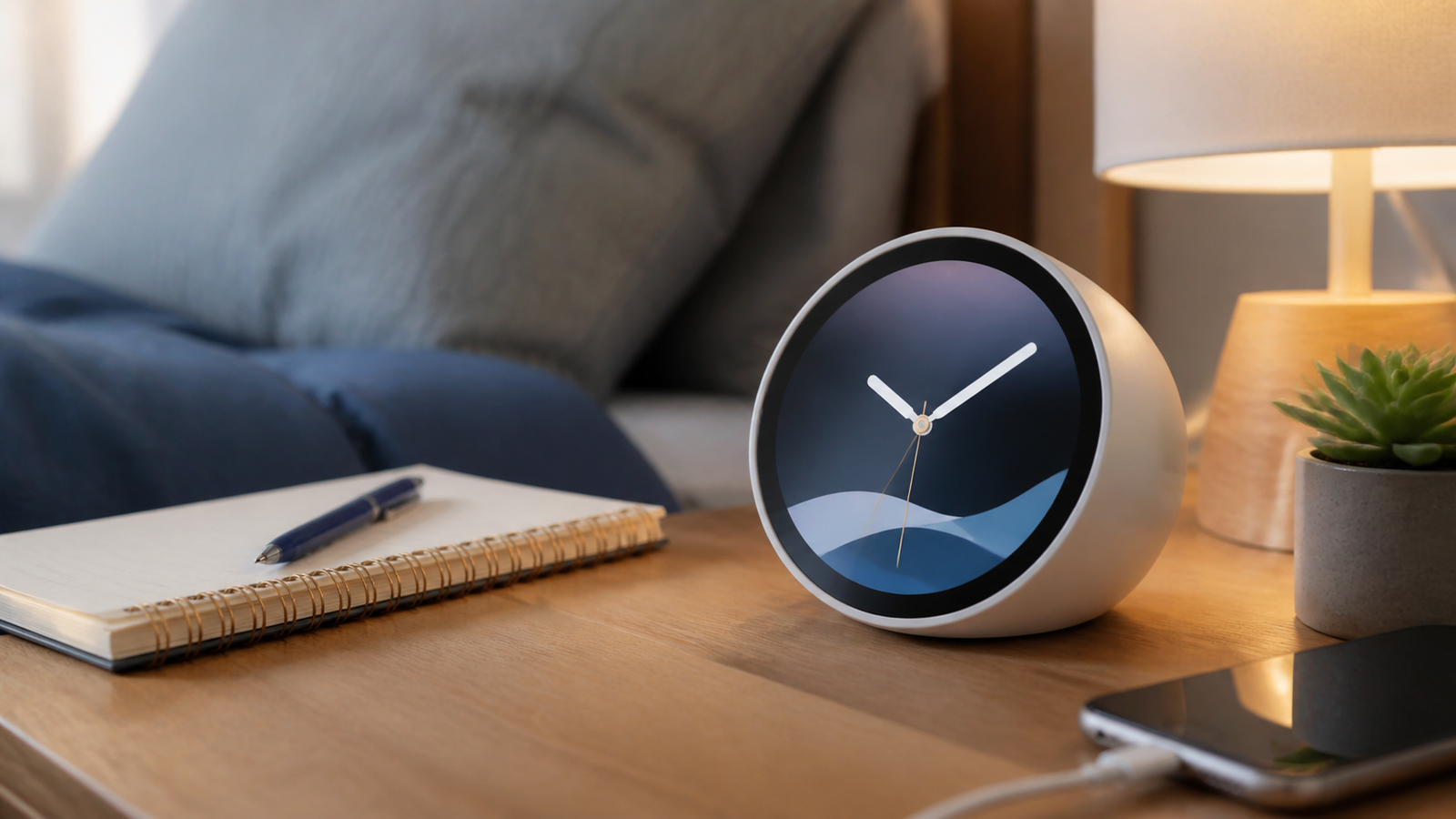 Echo Spot Review 2026
 Best Smart Locks on Amazon 2026
 Tapo C120 Review 2026
FAQ
Does Blink Battery Doorbell 2K+ require a subscription?
The doorbell can provide basic use without a plan, but cloud clip history and some advanced detection or AI conveniences require an eligible Blink Subscription Plan. Verify the current feature matrix before buying.
Can Blink Battery Doorbell 2K+ store video locally?
Local-storage options depend on the compatible Sync Module, included accessories, and storage media. Check the exact bundle because a module or USB drive may be sold separately.
Does it work with an existing doorbell chime?
Compatibility depends on the wiring and chime setup. Follow Blink’s current installation guide and confirm transformer requirements before connecting power.
Is 2K video enough to identify a visitor?
2K provides more detail than basic HD, but lighting, distance, camera angle, motion blur, compression, and Wi-Fi quality still determine how useful a clip is.
Is Blink or Ring better for Alexa?
Both are closely integrated with Alexa. Blink generally emphasizes lower hardware cost, while Ring offers a broader entry-security ecosystem. Storage and subscription preferences are often the deciding factors.
By Kevin; Accgo doesn’t simply review products—we look at whether they genuinely make everyday life easier.