A keyboard is one of those things most people don’t think about until they start using a bad one.
Maybe the keys feel mushy after typing for a few hours. Maybe the keyboard sounds like a machine gun during late-night work sessions. Or maybe you bought a gaming keyboard and realized RGB lights don’t actually make emails easier to write.
The truth is that the “best keyboard” depends heavily on what you do every day.
Someone writing reports for eight hours has very different needs from someone playing competitive games. And someone working from a coffee shop probably doesn’t want a massive full-size keyboard taking up half of a backpack.
Instead of looking only at specifications, we focused on how keyboards feel during long-term daily use.
We evaluated keyboards based on:
✓ Typing comfort
✓ Build quality
✓ Switch feel and responsiveness
✓ Wireless performance
✓ Battery life
✓ Noise level
✓ Software experience
✓ Long-term usability
Quick Comparison
| Keyboard | Best For | Layout | Connection | Switch Type |
|---|---|---|---|---|
| Keychron K8 Pro | Overall | TKL | Wired/Wireless | Mechanical |
| Logitech MX Keys S | Productivity | Full-size | Wireless | Low-profile |
| Razer Huntsman V3 | Gaming | Full-size | Wired | Optical |
| Royal Kludge RK84 | Budget | 75% | Wired/Wireless | Mechanical |
| NuPhy Air75 | Portable use | 75% | Wireless | Low-profile |
Best Overall: Keychron K8 Pro
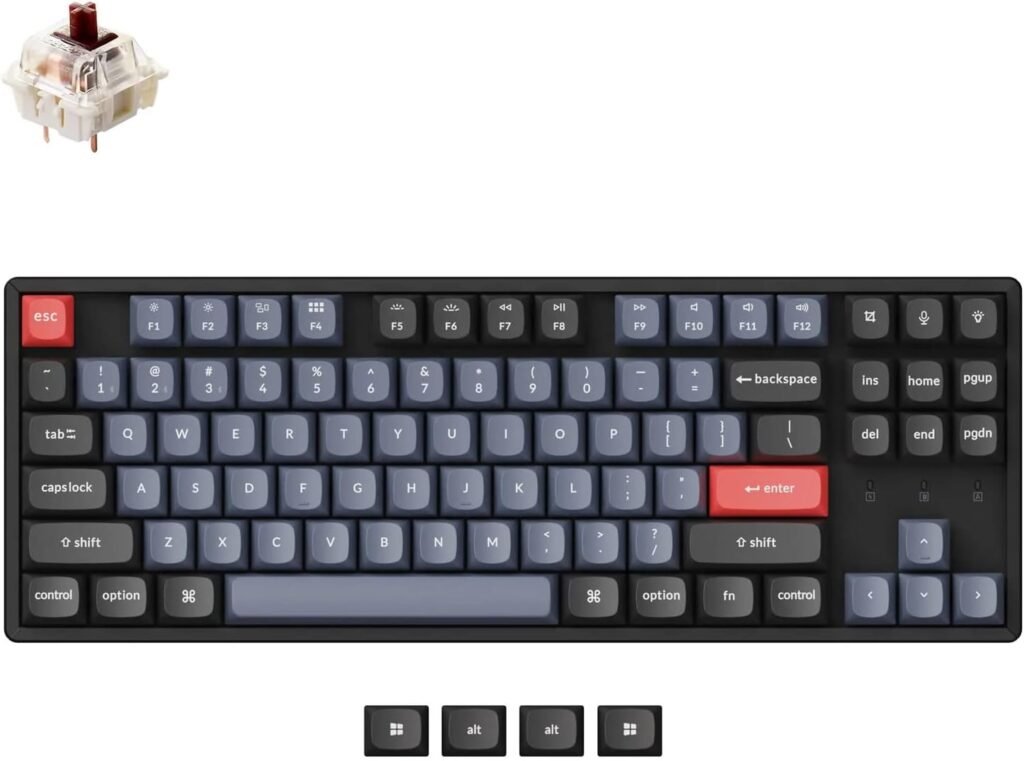
Keychron has become popular because it sits somewhere between enthusiast mechanical keyboards and mainstream office keyboards.
The K8 Pro delivers a comfortable typing experience without becoming overly complicated.
It works across Windows and Mac systems and supports wireless use while still offering customization options for users who enjoy modifying switches and keycaps.
Why buy it
- Comfortable for long typing sessions
- Works well for both work and casual gaming
- Good value for features
Skip if
- You want an ultra-thin keyboard
- You prefer completely silent typing
Best for Productivity: Logitech MX Keys S
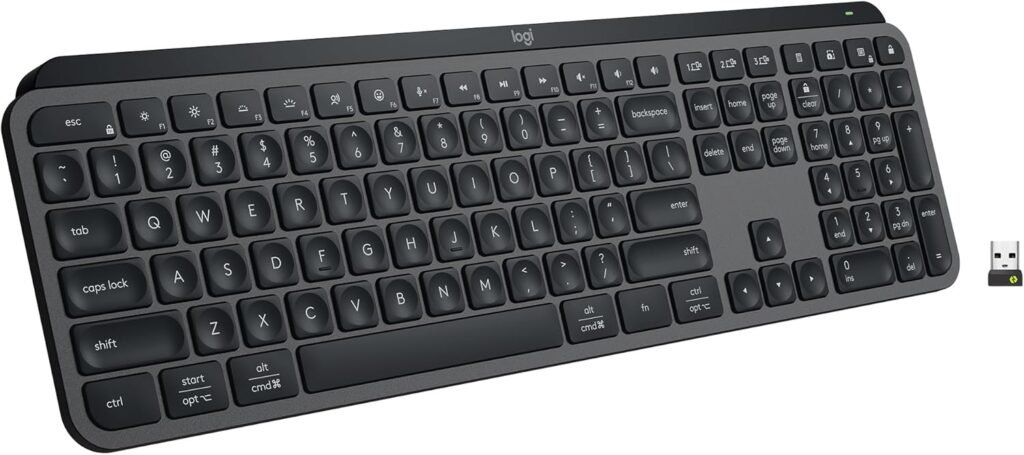
For office work, typing feel often matters more than flashy features.
MX Keys has become a favorite among remote workers and professionals because of its comfortable low-profile design.
The keys feel stable and quiet, which makes long typing sessions easier.
Why buy it
- Excellent for long work sessions
- Quiet typing
- Multi-device support
Skip if
- You want mechanical switches
- Gaming is your main focus
Best for Gaming: Razer Huntsman V3
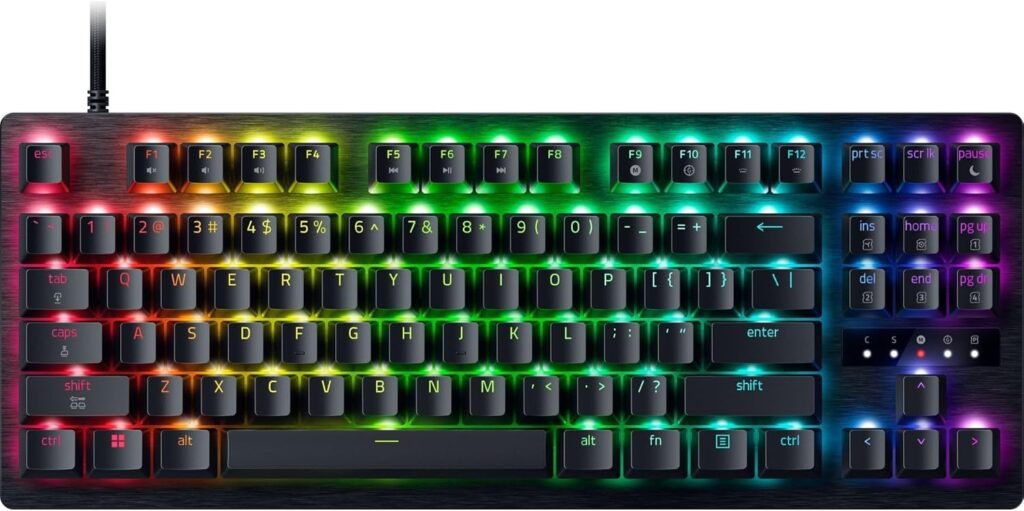
Gaming keyboards prioritize speed and responsiveness.
The Huntsman V3 uses optical switches designed to reduce delay between pressing a key and seeing action on screen.
Competitive players will notice the difference more than casual users.
Why buy it
- Fast response time
- Adjustable actuation settings
- Strong gaming software support
Skip if
- You mainly use your keyboard for work
- You dislike loud keyboards
Best Budget Choice: Royal Kludge RK84
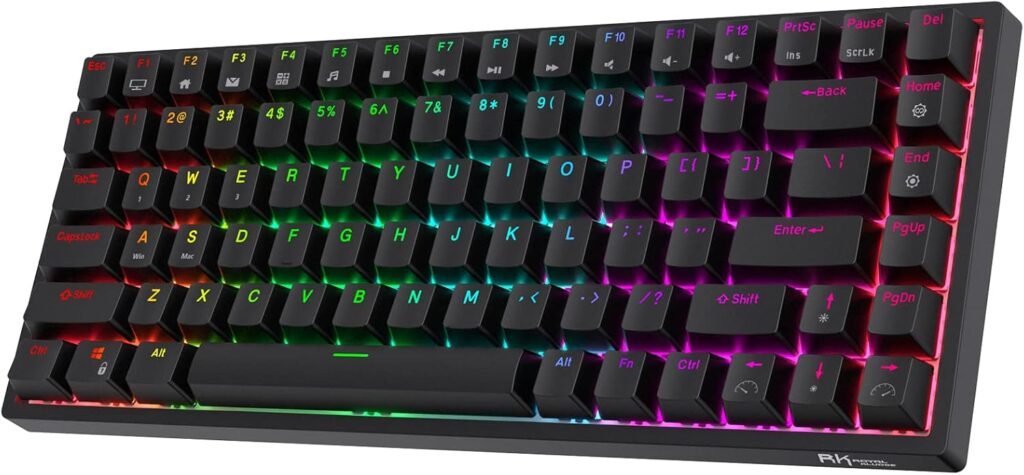
Budget keyboards used to feel cheap.
That has changed quite a bit.
RK84 offers many features that previously appeared only on expensive mechanical keyboards, including wireless connectivity and customizable switches.
Why buy it
- Affordable entry point
- Compact design
- Mechanical keyboard experience
Skip if
- Premium materials matter to you
- You need advanced software features
Best Portable Keyboard: NuPhy Air75
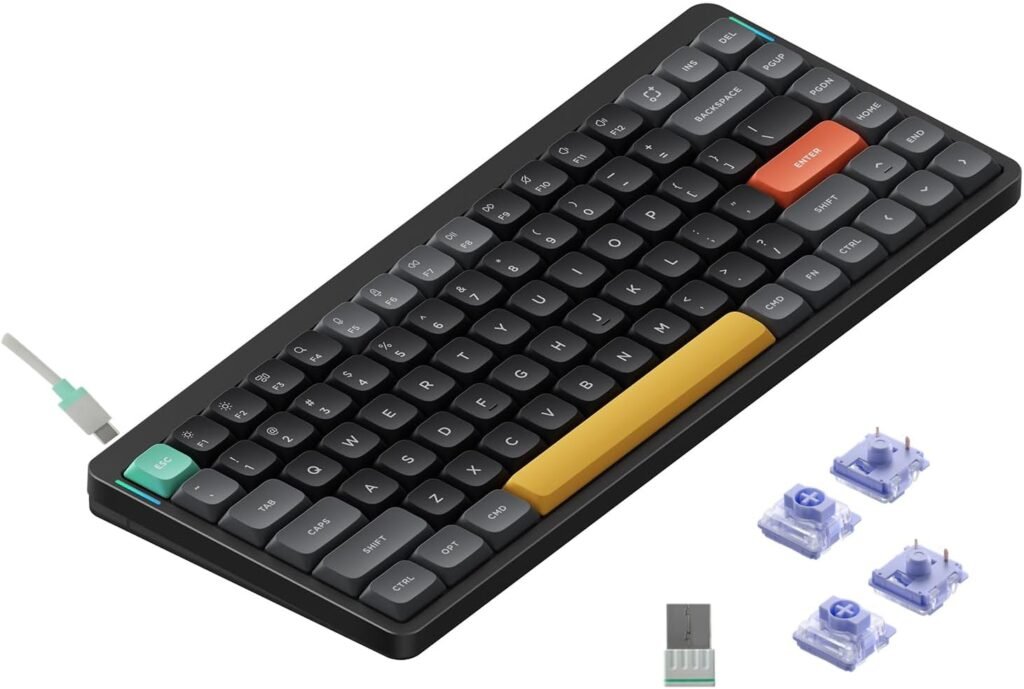
Some people work everywhere.
Home office one day, coffee shop the next.
NuPhy focuses on portability while keeping a satisfying typing experience.
Its low-profile mechanical design feels slimmer without losing the character of mechanical switches.
Why buy it
- Lightweight design
- Travel friendly
- Comfortable typing experience
Skip if
- You prefer full-size layouts
What To Consider Before Buying a Keyboard
Mechanical vs Membrane
Mechanical keyboards use individual switches under each key.
They usually feel more responsive and durable.
Membrane keyboards are often quieter and cheaper.
Neither is automatically better; it depends on preference.
Keyboard Size
Full-size:
Best for users needing a number pad.
TKL (Tenkeyless):
Keeps most functions while saving desk space.
75%:
Compact without removing too many keys.
60%:
Minimal layout designed for portability.
Wired vs Wireless
Wireless keyboards create cleaner desk setups and improve portability.
Wired keyboards eliminate charging concerns and remain popular among competitive gamers.
Noise Level
Some mechanical switches can become surprisingly loud.
For shared offices or late-night use, quieter switches may be a better choice.
Frequently Asked Questions
Are mechanical keyboards worth it?
For people who type regularly or spend many hours at a computer, many users find them more comfortable and durable.
Which keyboard size is best?
There isn’t one answer.
Full-size works for productivity, while compact layouts save desk space.
Are wireless keyboards good for gaming?
Modern wireless technology has improved significantly and works well for most users.
Which switch type is best?
Linear switches feel smooth.
Tactile switches provide feedback.
Clicky switches create noticeable sound and response.
Final Thoughts
The best keyboard usually isn’t the one with the most features.
It’s the one you stop noticing after a few weeks because it simply feels comfortable every day.
Good keyboards disappear into your workflow.
Bad ones remind you they exist every few minutes.
By Jessica Borga; Accgo doesn’t simply review products—we look at whether they genuinely make everyday life easier.